A calmer event workflow

From first estimate to final report

Sport Margin is designed around the rhythm of real event operations.

  1. Step 01

    Set up the event

    Create the event, enter revenue streams, costs, participants, venue details, and organizer assumptions.

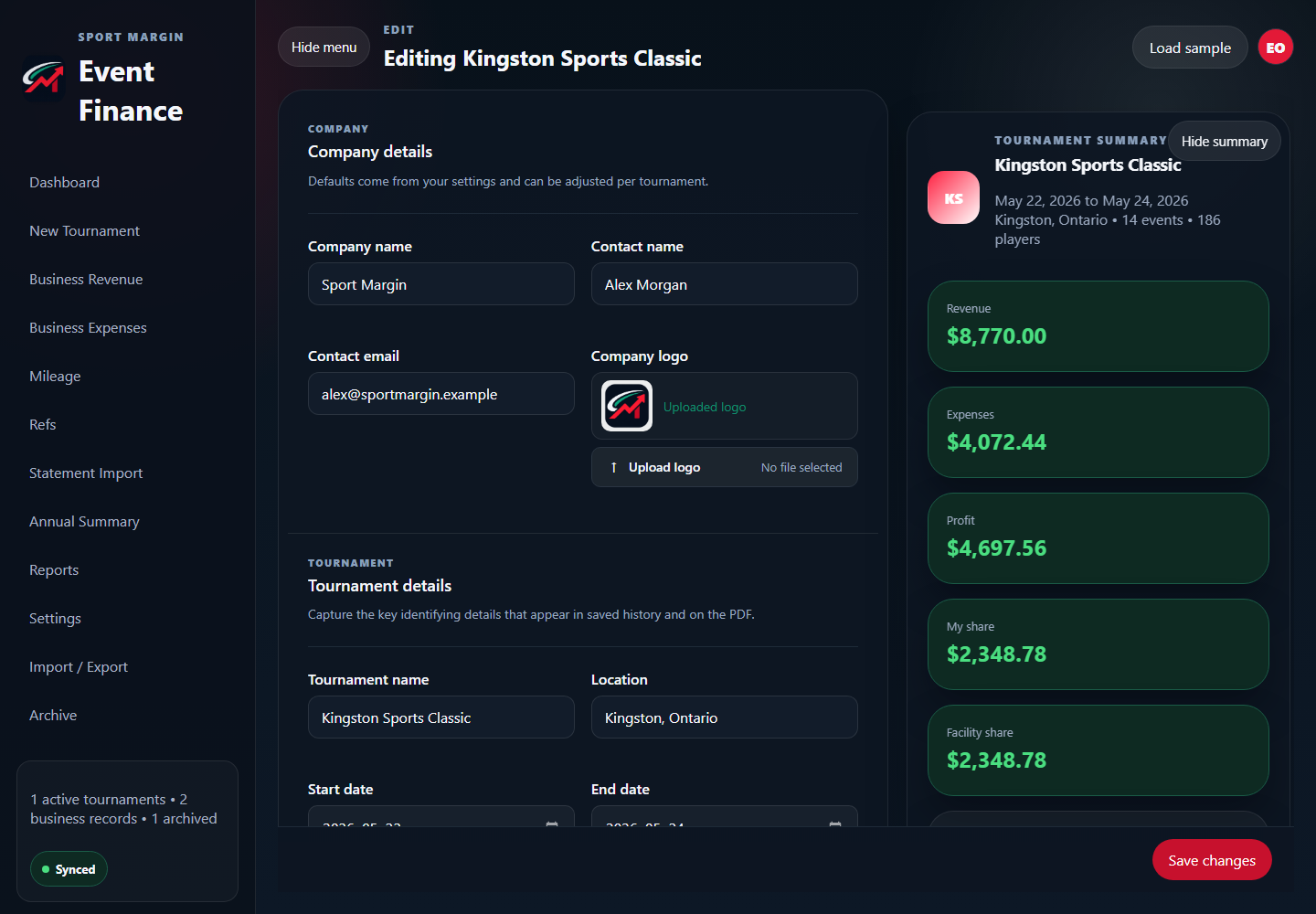
    The live event summary calculates the organizer and facility shares from the event records. In this example, the facility share is $2,348.78.
    Explore tournament accounting

    Sport Margin event setup screen showing a calculated facility share of $2,348.78.
  2. Step 02

    Keep records current

    Add expenses, receipts, mileage, business revenue, and notes as the work happens.

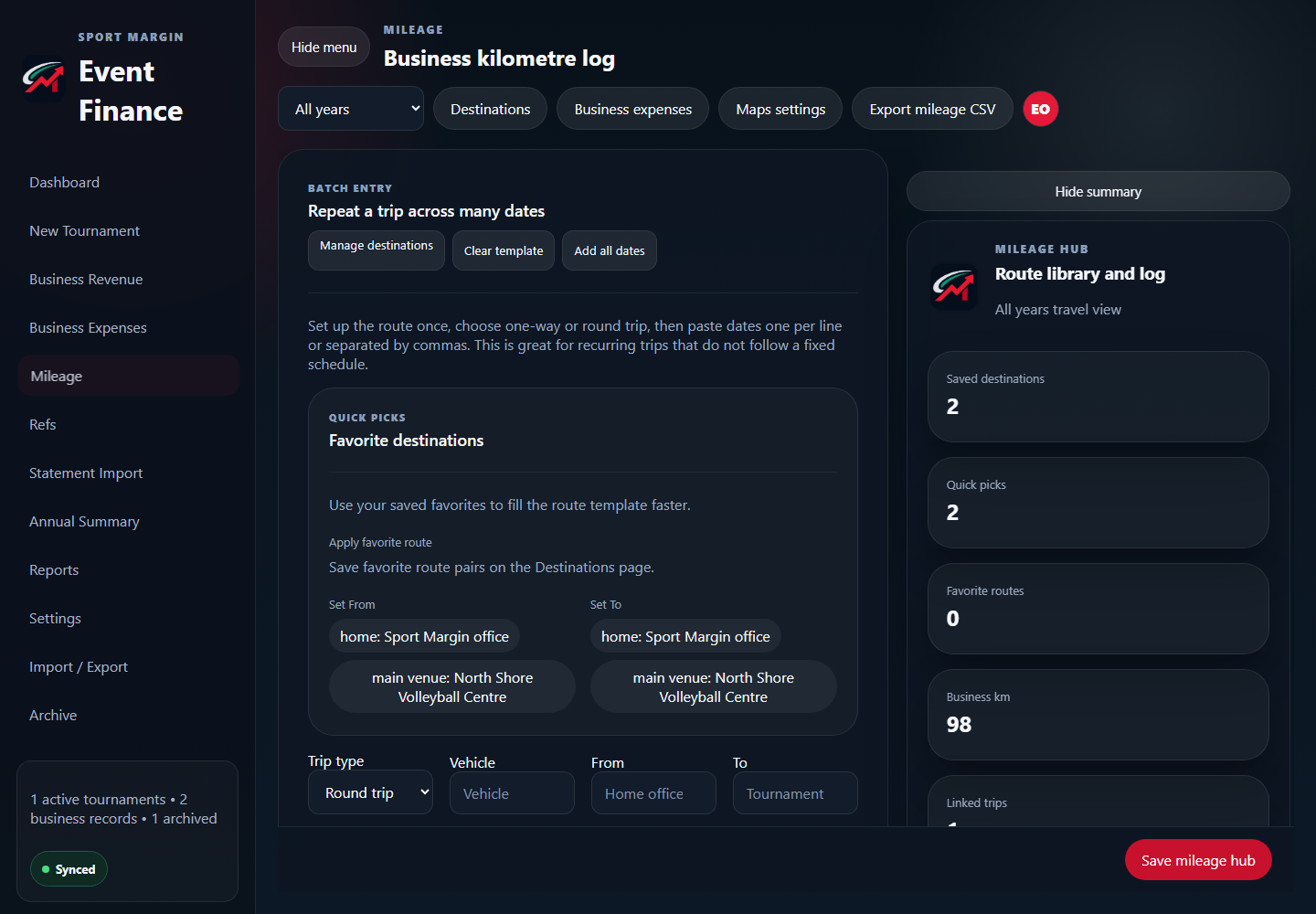
    The mileage hub keeps saved destinations, quick picks, and trip records together. The example log reports 98 business km.

    Explore mileage tracking and receipt capture

    Sport Margin business kilometre log showing 98 business km.
  3. Step 03

    Review what happened

    Compare performance, spot missing records, and share the right report with the right audience.

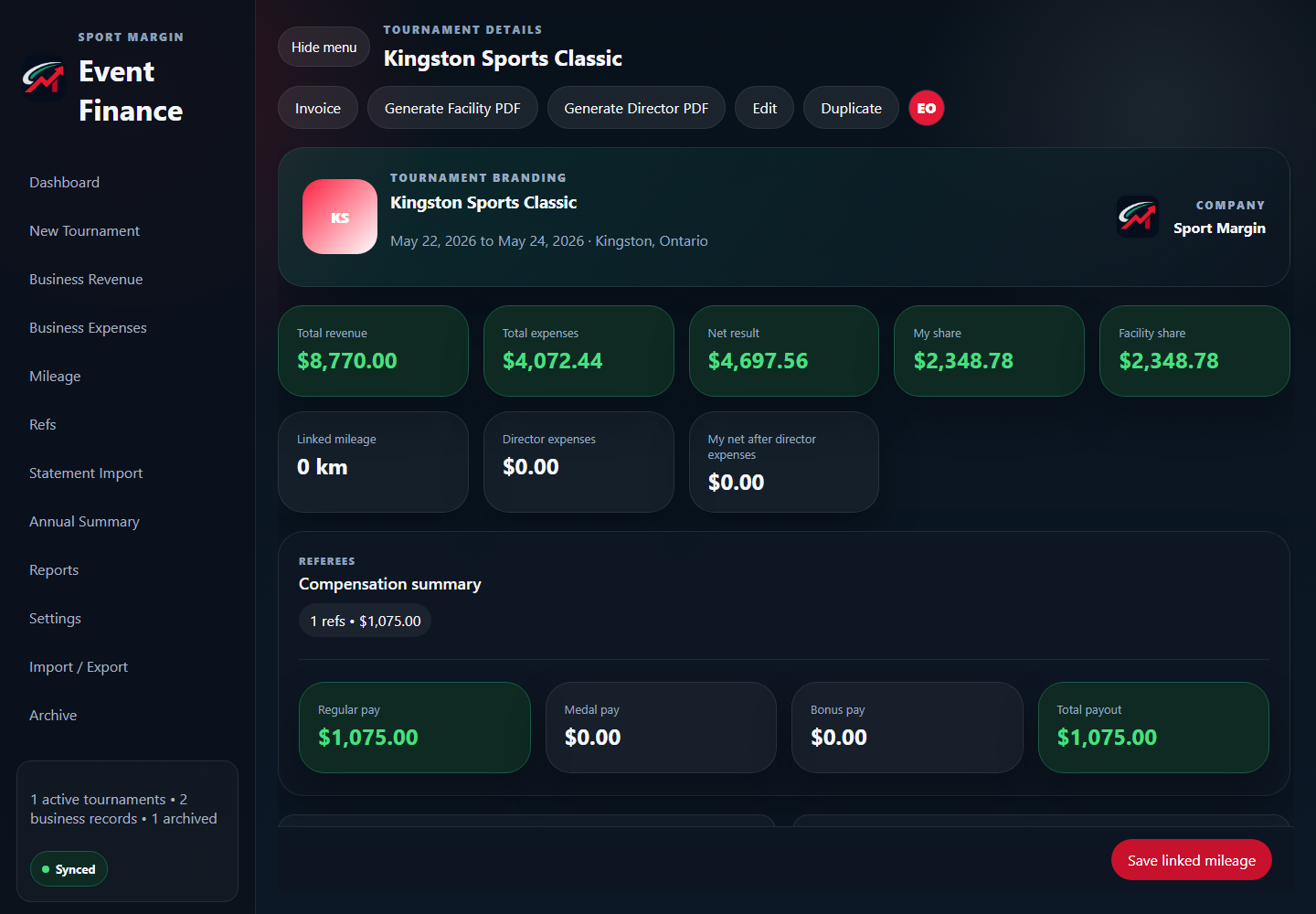
    The tournament detail brings revenue, expenses, shares, and referee compensation into one review. This example shows a $1,075.00 referee payout.

    Explore referee payments and annual reports

    Sport Margin tournament detail showing a $1,075.00 referee payout.

Choose an event finance plan

Start with one active event or compare the complete Pro workspace.